Natural Skin Smoothing
Smooths skin while keeping pores, texture, and real details.
Azap is the AI auto retouching Photoshop plugin that removes blemishes, smooths skin naturally, creates precise masks, and helps portrait photographers deliver polished images faster.
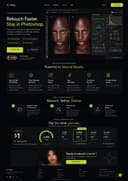


Loved by 10,000+ photographers and retouchers worldwide
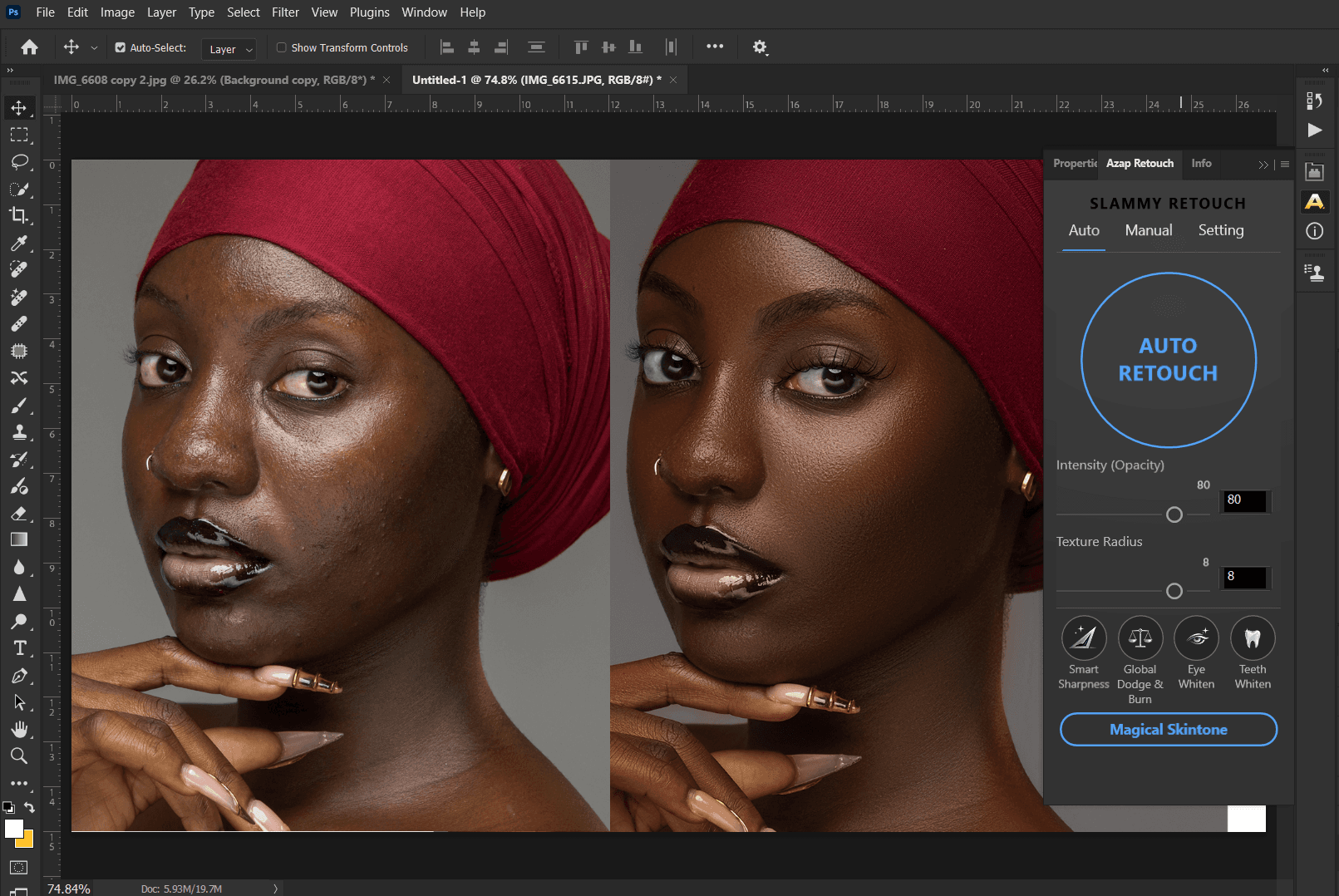
Smooths skin while keeping pores, texture, and real details.
Detects and removes acne, spots, and imperfections precisely.
Auto masks for face, skin, eyes, lips, hair, and more.
Retouch portraits in seconds and handle high volume with ease.
Get consistent, studio-quality results across every shoot.
Pay for what you use.
Grab the package, register your account, then follow the quick setup steps to run Azap inside Photoshop.
System requirements
Step 1
Unzip file
Step 2
Watch video
Step 3
Install plugin from the file
Step 4
Use test images
Step 01
Open your RAW or JPEG in Photoshop and launch Azap from the plugin panel.
Step 02
Let AI handle the heavy lifting. Fine-tune with intuitive controls and preview in real-time.
Step 03
Export high-quality images and deliver faster without compromising quality.
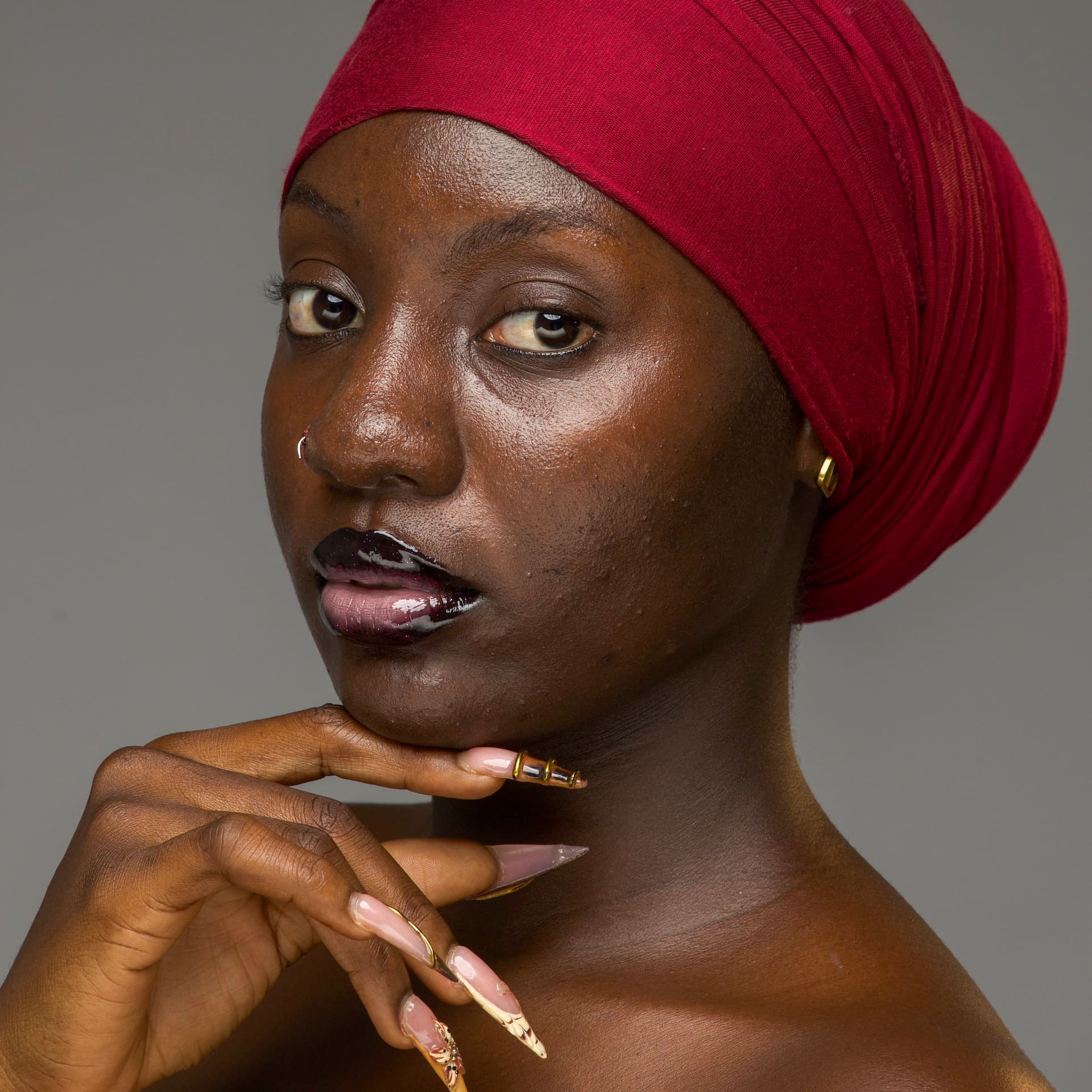
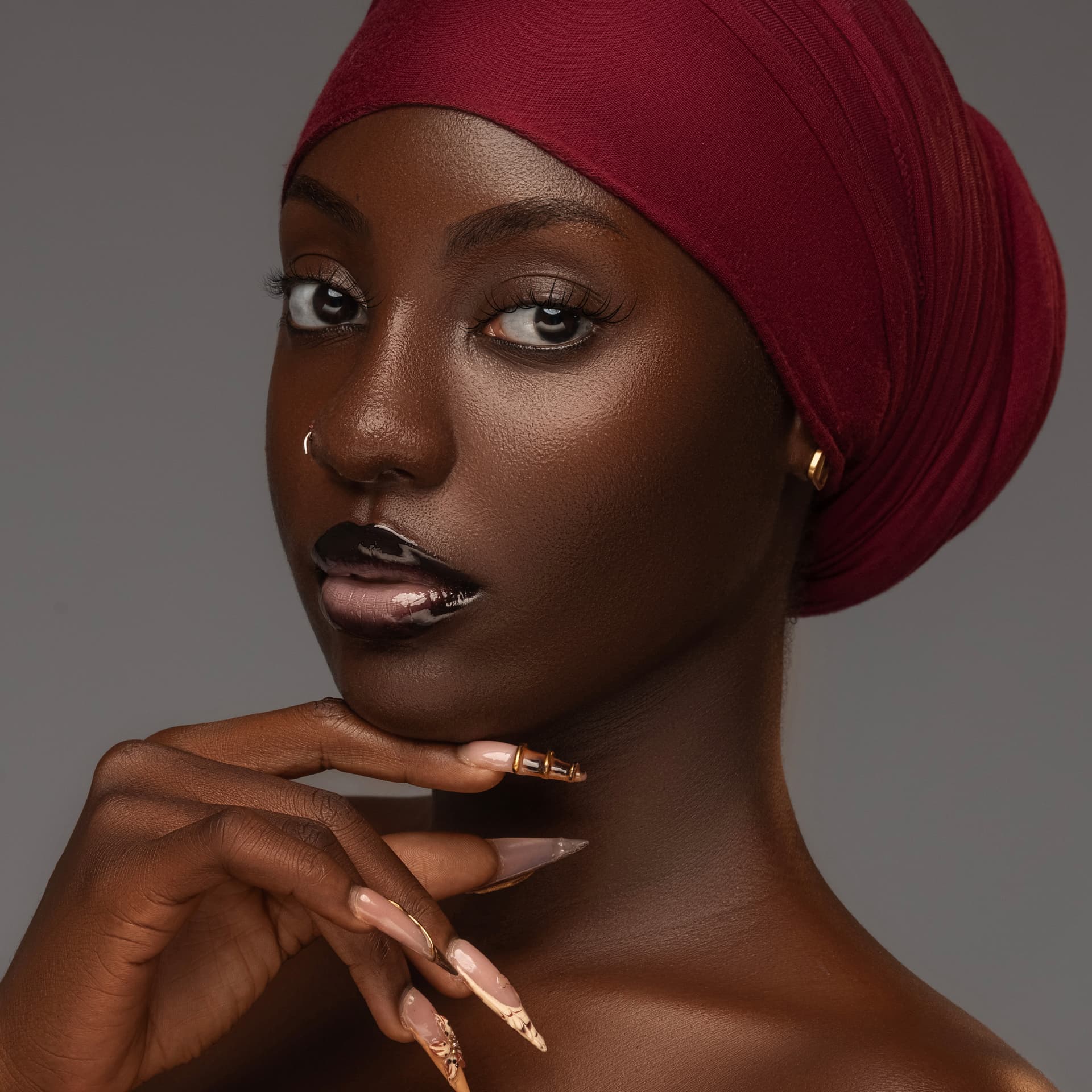
Before and after proof
Azap is built for real portrait workflows: smooth skin without flattening texture, remove distracting blemishes, prepare precise masks, and keep final creative decisions in Photoshop.
Photographer FAQ
Azap is an AI auto retouching Photoshop plugin for photographers who want faster portrait cleanup, natural skin smoothing, blemish removal, and precise retouching masks.
Azap is best for portrait, wedding, headshot, studio, beauty, and volume photographers who retouch people and need to deliver polished images faster.
No. Azap is designed to support a Photoshop workflow by speeding up repetitive retouching tasks while photographers keep control over the final look.
Azap is positioned around natural-looking skin retouching: reducing blemishes and distractions while preserving realistic texture and facial detail.
Pick a plan, get credits every month, and cancel whenever you want.
💰 Annual billing saves up to 20%
Starter
≈ 100 edits / mo
Perfect for casual projects and occasional retouching.
Pro
≈ 500 edits / mo
The sweet spot for professional photographers.
Studio
≈ 2,000 edits / mo
Built for heavy workloads and creative studios.

Join thousands of photographers saving hours every week with Azap.