Stay inside Photoshop
Azap is designed as a Photoshop-centered workflow, so photographers do not need to export to a disconnected editor just to run AI retouching.
Photoshop retouching plugin
Azap keeps photographers in Photoshop while speeding up the retouching tasks that usually slow down portrait, studio, and wedding editing.
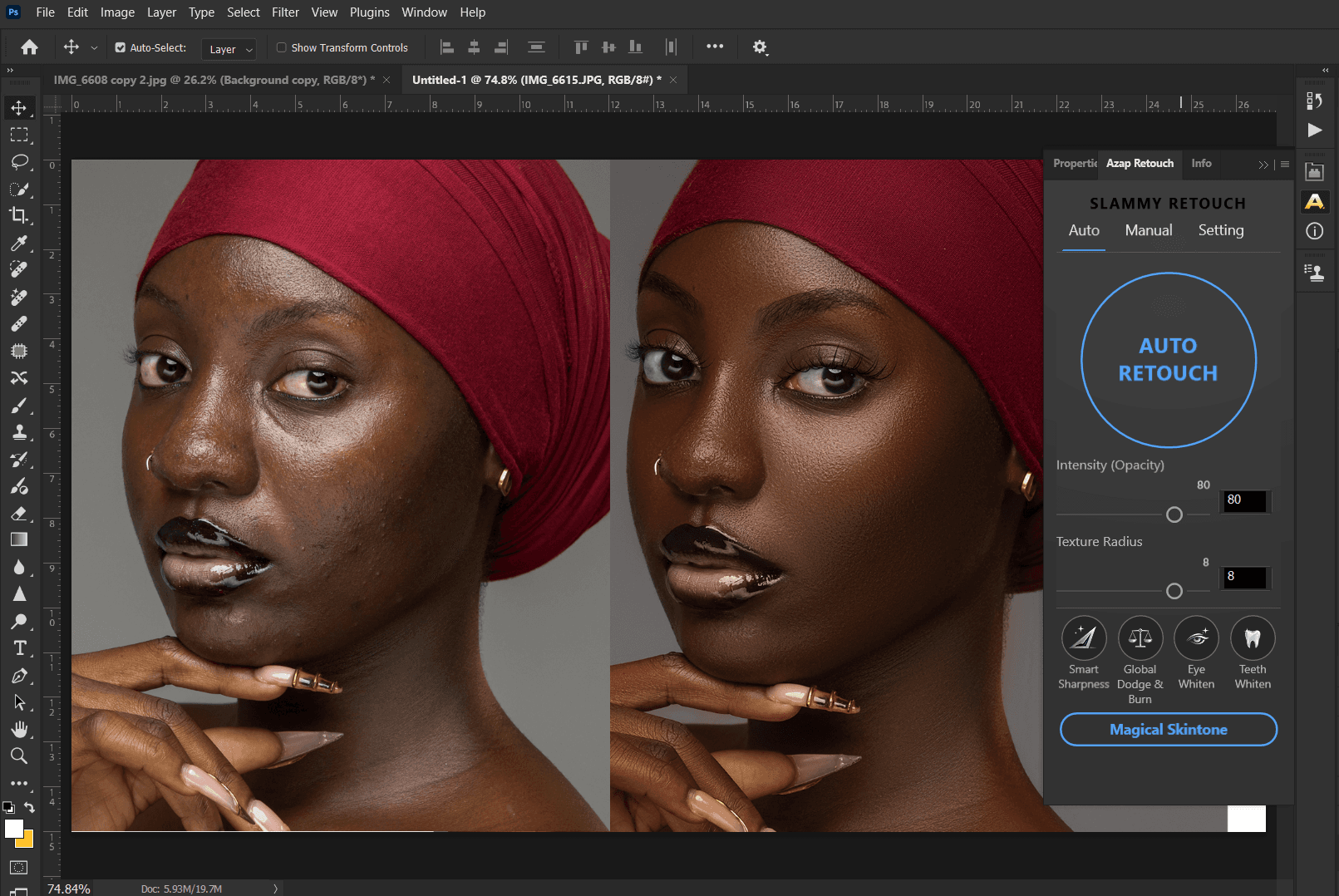
Azap is designed as a Photoshop-centered workflow, so photographers do not need to export to a disconnected editor just to run AI retouching.
The plugin handles the first pass for repetitive portrait cleanup while Photoshop remains the place for final tone, color, compositing, and client-specific edits.
A consistent plugin workflow helps photographers handle headshots, school portraits, wedding selections, and studio sets with fewer manual steps.
Proof for photographers
Launch Azap from the Photoshop workflow, generate a strong retouching base, and finish with the tools you already trust.
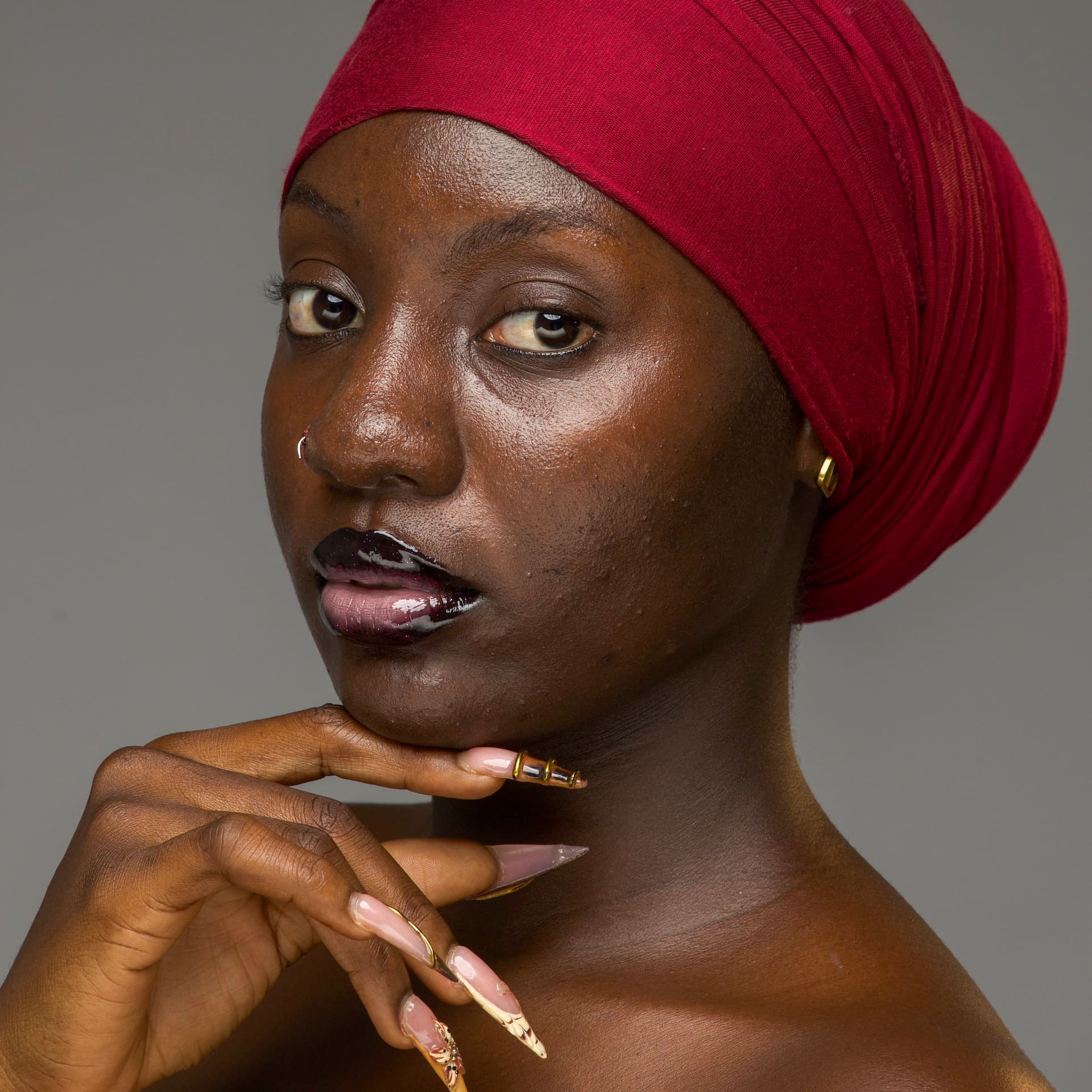

Azap is positioned as a Photoshop retouching plugin, so the goal is to keep the retouching workflow close to Photoshop rather than replacing it.
Azap is for photographers who edit portraits and want to reduce repetitive retouching time while keeping control over the final image.
Yes. Azap is intended for professional portrait delivery where speed, consistency, and natural results matter.
Related retouching workflows